The MSP Helpdesk Activity Map, And How AI Can Cover 30% of It
MSP helpdesk work is not just “answer tickets.” It is a long chain of repeatable activities across intake, triage, troubleshooting, identity, endpoint management, SaaS administration, security, backups, documentation, and client communication. We mapped 180+ common MSP helpdesk technician activities, and a big portion of that work is predictable, rule-driven, and slowed down by tool switching.
That’s why the next wave of helpdesk productivity is not only AI that writes responses. It is AI that can also take approved actions inside the tools technicians already live in, backed by runbooks.
The core activities MSP helpdesk technicians perform
Here’s the practical breakdown of what technicians do every day.
Ticketing, triage, and customer communication
- Intake across phone, email, portal, chat
- Ticket creation, categorization, prioritization, SLA assignment
- Routing to the right queue or escalation path
- Requesting more info, sending updates, confirming resolution
- Time entry, billing notes, and closure codes
This category is high-volume and very repetitive.
Troubleshooting and remote support
- Launch remote sessions, guide users through fixes
- Collect device context, logs, error codes, screenshots
- Run diagnostics (DNS/VPN/connectivity checks)
- Apply known fixes, run scripts, escalate to vendors
- Document root cause and update KB/runbooks
The repeated steps are where a lot of minutes disappear.
Identity and access management
- Password resets, account unlocks, MFA enrollment/reset
- Create, update, disable users (onboarding/offboarding)
- Group membership changes, permissions, mailbox access
- SSO troubleshooting and access requests
High volume, high standardization, and often requires approvals.
Endpoint management
- Device provisioning and MDM enrollment
- Software install/uninstall, patching, configuration changes
- EDR health and remediation actions
- Performance issues, printers, VPN, certificates
A ton of these actions follow standard runbooks.
Cloud productivity and SaaS admin
- Microsoft 365 and Google Workspace admin tasks
- Licensing, mailbox troubleshooting, Drive/SharePoint permissions
- User provisioning into SaaS apps, access troubleshooting
Again, repeatable actions across API-friendly platforms.
Security, backups, and monitoring
- Triaging alerts, responding to RMM signals, running remediations
- Backup checks, restore requests, resolving backup failures
- Incident coordination and documentation
Much of this is structured, but still needs strong controls.
The real unlock: from answers to actions
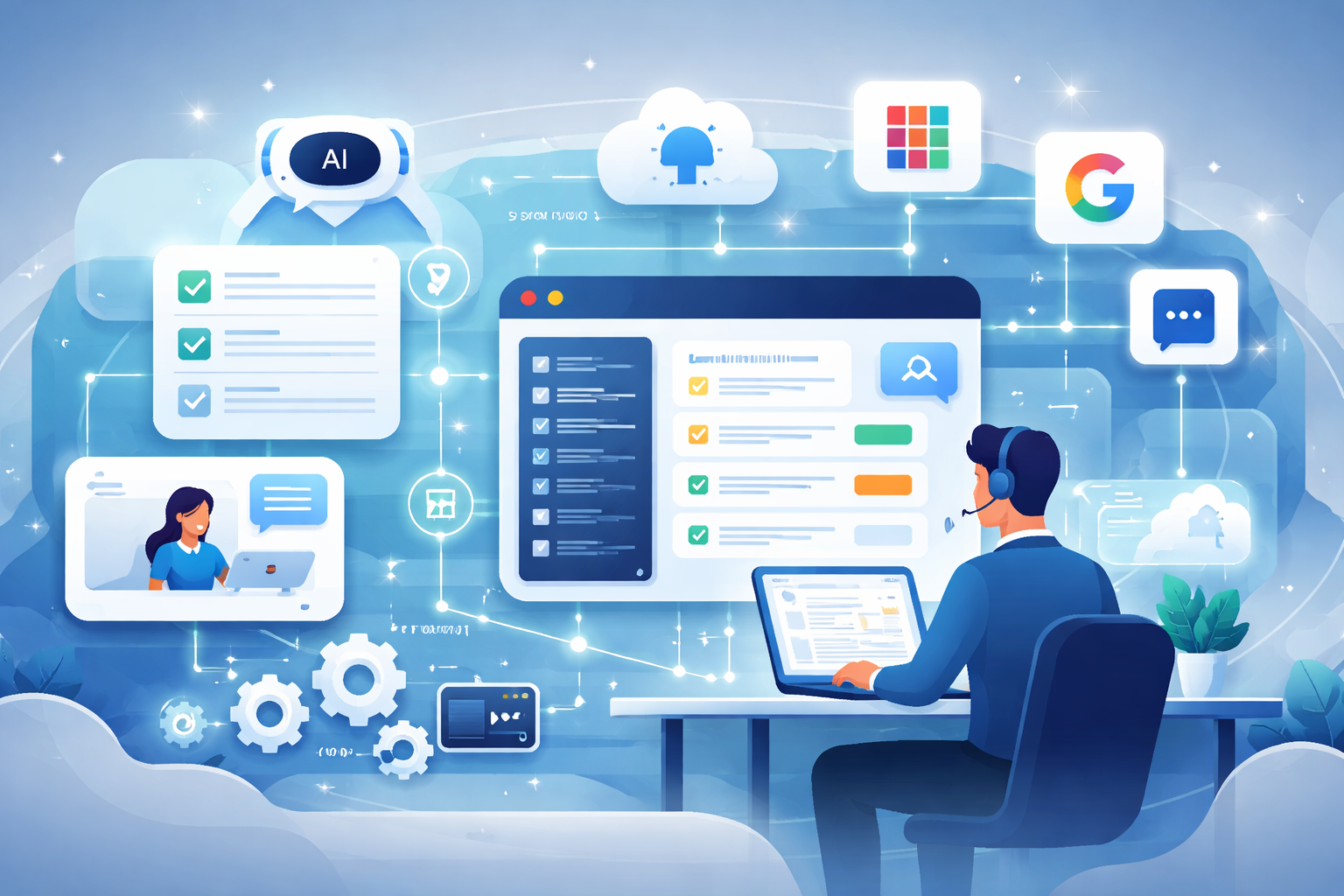
Most “AI for helpdesk” stops at summarizing tickets or drafting responses. The bigger efficiency jump happens when AI can also perform actions inside API-friendly tools, while keeping humans in control.
NinjaOne is a great example of an API-friendly RMM
With NinjaOne, common technician actions can be executed programmatically, including running scripts on devices and pulling device context like software inventory.
- NinjaOne’s public API supports OAuth2 authentication.
- The public API includes an operation to run a script or built-in action on a device (/v2/device/{id}/script/run).
- NinjaOne also exposes device software inventory via API endpoints (for example GET /api/v2/device/:id/software as documented in their Postman workspace).
Links:
Microsoft and Google are also action-rich via APIs
For identity and user lifecycle, Microsoft Graph and Google Workspace Directory APIs can support many of the same workflows a technician performs in admin consoles.
- Microsoft Graph supports resetting a user’s password by updating the user’s passwordProfile.
- Google’s Admin SDK Directory API lets admins manage users and supports updating a user via users.update.
Links:
Why runbooks turn “AI” into real operational leverage
APIs make actions possible. Runbooks make actions safe and repeatable.
When you combine:
- Runbooks (the exact steps, prerequisites, validations, and rollback)
- Tool actions (RMM, Microsoft, Google, SaaS admin via API)
- Human approval (explicit confirmation before anything changes)
You get an AI system that can reliably handle a meaningful chunk of helpdesk work without creating security risk.
So how does AI like Junto get to “30% of tasks”?
Junto is not trying to replace technicians. The goal is to remove the repetitive parts inside tickets:
1) Ticket acceleration
- Auto-summarize the issue and pull relevant context from existing systems
- Draft responses, clarifying questions, and resolution notes
- Recommend categorization, routing, and next steps
2) Action execution, with approval
- Run RMM scripts (for example, common remediations)
- Pull inventories and attach evidence to tickets automatically
- Perform identity and SaaS changes when approved (password resets, user updates, access adjustments)
3) Documentation and closure
- Write back what happened, what changed, and what evidence was gathered
- Standardize closures and reduce after-the-fact note taking
That combination is how you stop losing time to tab switching and mechanical steps, and why 30% offload is realistic when you focus on high-volume, standardized workflows.
Closing thought
The MSP helpdesk is a wide surface area. But a large slice of it is repeatable. When AI can both curate context and execute runbook-driven actions across API-friendly tools like NinjaOne, Microsoft, and Google, you get real capacity back without losing control.